
Creating textures has always been one of the most time-consuming parts of making a 3D model. Whether you’re creating game assets, product designs, animations, or AR experiences, painting textures by hand can take a lot of time.
Today, AI 3D texture generators make this so much easier. Instead of having to create every texture manually, you can simply describe the style that you want or upload a reference image, and the AI generates it for you in minutes. But in order to reach the results you want, you need to find a tool – in this case, an AI 3D texture generator – that best fits your needs.
So, in this guide, we’ll be comparing three of the best AI 3D texture generators in 2026: Meshy AI, Spline, and Rodin AI.
What Are AI 3D Texture Generators?
AI 3D texture generators use artificial intelligence to automatically create textures for 3D models. Most tools let you create textures from:
- Text prompts
- Reference images
- Existing 3D models
Many also generate PBR texture maps, so your models are ready to use in popular 3D software and game engines.
Now that you have better ideas of what these tools do, let’s explore and compare three of the best AI 3D texture generators in 2026.
1. Meshy AI
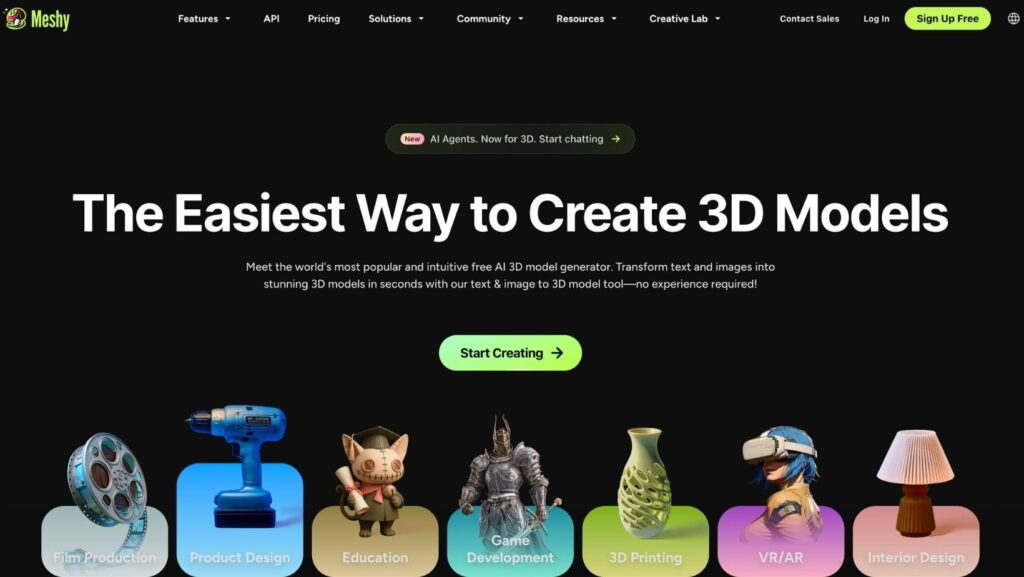
Meshy AI is one of the most complete AI 3D creation platforms available today, and its AI Texturing tool is one of its biggest strengths. It lets you create high-quality textures from either a text prompt or a reference image, making it much faster to texture 3D models.
The process is simple. You upload a model (or use one created inside Meshy), describe the material you want, preview it in real time, and download the finished model in the format you need.
Key Features
- AI text-to-texture generation
- Image-to-texture generation
- PBR texture maps (Albedo, Roughness, Metallic, and Normal)
- AI texture editing
- Multiple texture variations
- Real-time 3D preview
- Supports FBX, OBJ, GLB, USDZ, STL, BLEND, and 3MF exports
- Plugins for Blender, Unity, Unreal Engine, Maya, Godot, and more
Why It Stands Out
Meshy does much more than generate textures. It automatically maps textures onto your model, so you don’t need to worry about UV mapping. It also creates complete PBR materials that are ready to use in popular 3D software.
Another advantage is that everything happens in one place. You can generate a model, add textures, edit them, preview the result, and export it without switching between different programs. Meshy is also used by more than 10 million creators and works with many professional 3D tools.
Pros
- Supports text and image prompts
- High-quality PBR textures
- No UV mapping required
- Lots of export formats
- Integrates with popular 3D software
- Complete 3D creation platform
Cons
Some advanced features take time to learn
Best for: Anyone looking for an all-in-one AI tool for creating and texturing 3D models.
2. Spline
Spline is a browser-based 3D design tool with built-in AI features. While it isn’t mainly a texture generator, it makes it easy to edit materials, change colors, and build interactive 3D scenes directly in your browser.
Its simple interface makes it a good choice for beginners and designers creating 3D content for websites.
Key Features
- Browser-based 3D editor
- AI object generation
- Material editing
- Real-time collaboration
- Interactive web scenes
- Animation tools
Pros
- Works in your browser
- Easy to learn
- Simple material editing
- Great for websites
Cons
- More focused on interactive design than AI texturing
- Doesn’t generate full PBR texture sets like dedicated texture tools
Best for: Designers creating interactive 3D content for websites.
3. Rodin AI
Rodin AI is an AI 3D model generator from Hyper3D that can create textured 3D models from text prompts or images. It automatically applies textures during generation, making it easy to create finished assets quickly.
It’s especially useful for quickly creating models for games, AR, and other digital projects.
Key Features
- Text-to-3D generation
- Image-to-3D generation
- Automatic texture generation
- Multiple art styles
- Standard 3D export formats
- Browser-based workflow
Pros
- Fast model generation
- Includes textured models
- Easy to use
- Great for quick projects
Cons
- Fewer texture editing tools than dedicated texturing platforms
- Focuses more on full model generation than texture editing
Best for: Users who want to quickly create textured 3D models.
How to Choose the Right AI 3D Texture Generator
When choosing a tool, keep these things in mind:
- Input options – Make sure it supports text prompts or images, depending on how you work.
- Texture quality – Look for tools that create realistic PBR textures.
- Editing tools – Being able to adjust or regenerate textures can save time.
- Compatibility – Check that it supports the file formats and software you use.
- Ease of use – A simple interface can make creating textures much faster.
Conclusion
AI 3D texture generators make it much easier to create realistic textures without spending hours painting them by hand.
While all three tools that we explored have their strengths, Meshy AI is the strongest overall choice. It combines AI texture generation with model creation, editing, and support for many file formats, making it a great option for both beginners and professionals.