
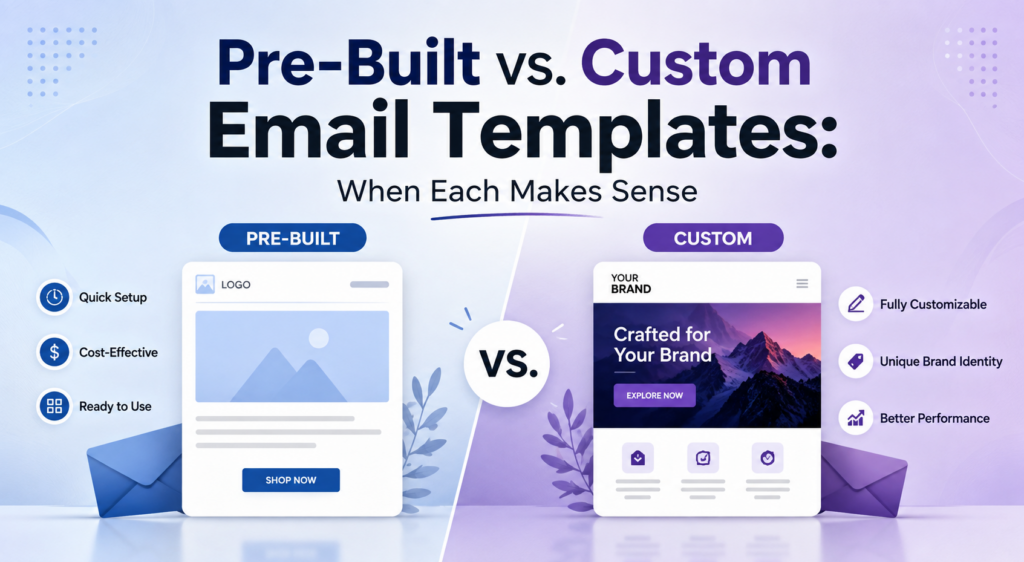
Every marketing team runs into the same path where they have to decide between pre-built vs custom email templates. Whether you work with a pre-existing template and hit send so the thing gets done within a few minutes, or you spend a few days building a layout that matches your brand, the choice is yours.
Both work, but when you optimize this for budget, timeline, and work perfection, things change. The right choice also depends on your broader email marketing strategy. This email template comparison isn’t going to tell you one option is objectively better; rather, this is to guide you where each one takes your work ahead.
What are Pre-Built Email Templates?
Pre-built email templates are exactly what they sound like. Designs are already built that you drop your content into. Almost every email platform has a stack of these email marketing templates, organized by industry or campaign type. This turns out to be helpful where businesses don’t have a designer or separate team to build the template from scratch.
The appeal is real. No coding, no waiting on a designer, something that renders fine on a phone within the hour. If you’re a small team pushing out weekly sends, that speed is something you actually need.
When a template library is popular, hundreds of other brands pull from the same well. Swap a logo, change a color, but it’s still the same thing your subscribers have already followed.
This is roughly where Stripo earns its keep. Instead of settling for whatever the library gave you, start from a perfect email layout and rework the structure, the colors, and the blocks until it stops looking borrowed. No code required, which is the part most people don’t expect.
Cost Comparison
When the option is to decide between custom vs pre-made email templates, cost is one of the prime aspects to consider.
Pre-built templates carry minimal upfront cost, since they are included within most platform subscriptions. The expense tends to appear later, in the form of ongoing adjustments needed to keep emails from resembling a competitor’s design.
Custom email templates require greater investment at the outset. The cost usually includes the time spent designing and testing the email across email programs like Outlook, Gmail, and Apple Mail. The price can be a hundred dollars up to a few thousand dollars based on how complicated it is.
For businesses sending occasional campaigns, pre-built templates remain the more practical choice. For those where email marketing drives significant revenue, custom templates generally justify the investment.
As an e-commerce brand sending shipping updates and notifications via email, using a custom template is essential as you want to reinforce the brand with every opportunity.
Brand Differentiation & Design Flexibility
People decide whether to open an email in about two seconds, mostly on looks, before they even check the subject line.
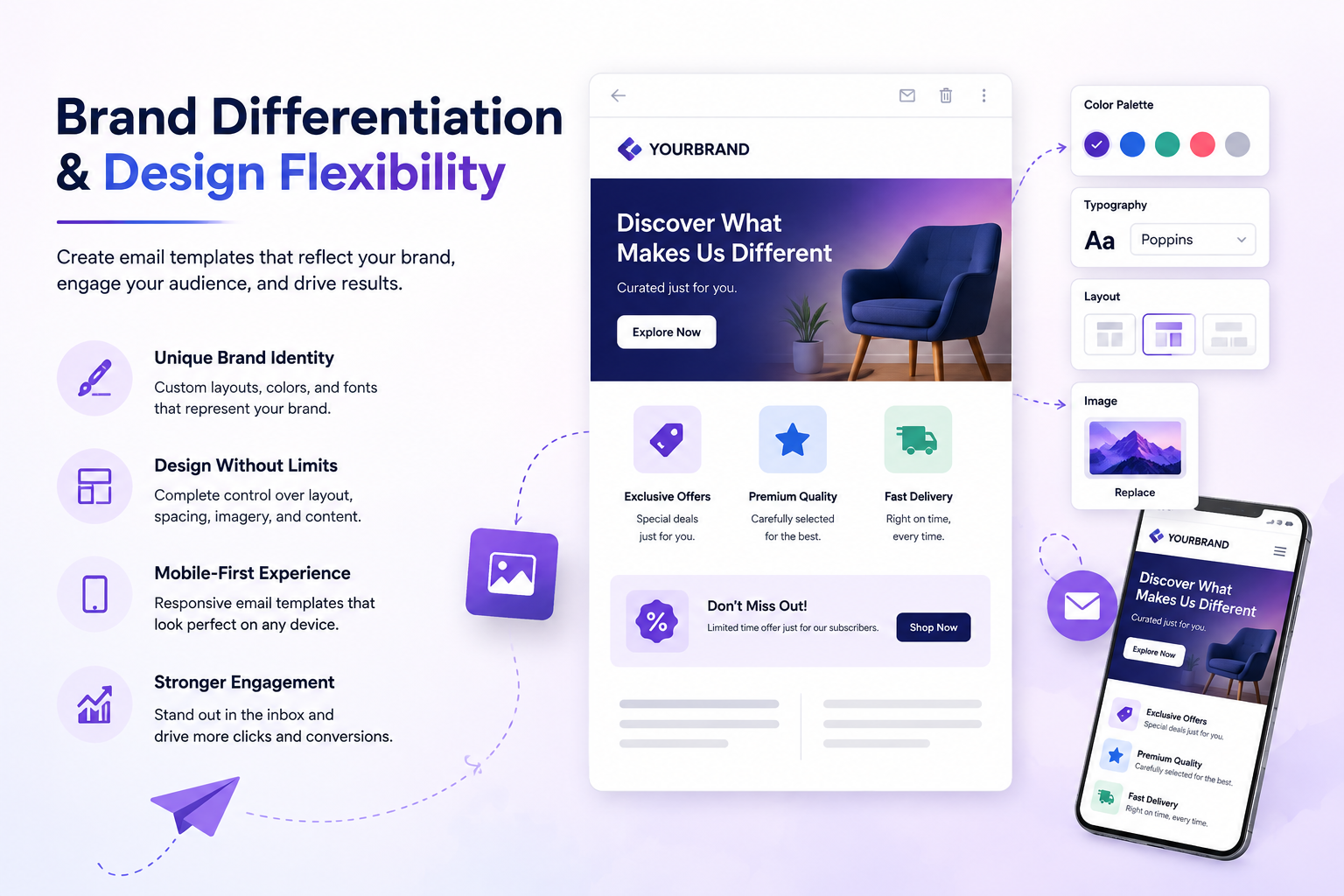
Pre-built templates can restrict how far a brand’s identity can be expressed. A logo or color change does not do much when the underlying structure and the spacing and layout are the same as every business that uses the same template. This is because over time this uniformity makes the emails from your business and other businesses look the same.
However, custom email templates remove that constraint. Businesses get the chance to gain full control over the layout, imagery, button placement, and how brand voice comes through in each section, helping maintain brand consistency across every customer touchpoint.
This distinction is considered more crucial for different industries, such as retail, SaaS, or hospitality, where a pre-existing email competes against dozens of other emails.
Key Advantages of Custom Templates
Several factors lead businesses to move away from generic layouts over time:
- Full brand control: Typography, spacing, color, structure—none of it is borrowed.
- Better performance data: Structure built around your actual click and conversion goals, not someone else’s audience.
- Scalability: Build it once well and reuse and reshape it campaign after campaign.
- Fewer rendering issues: Tested across multiple clients, so it doesn’t break in Outlook the way generic HTML sometimes does.
- Stronger AEO and SEO signals: Clean and well-structured markup improves the best indexing when content is later repurposed for a blog or landing page.
Best Practices for Any Email Template
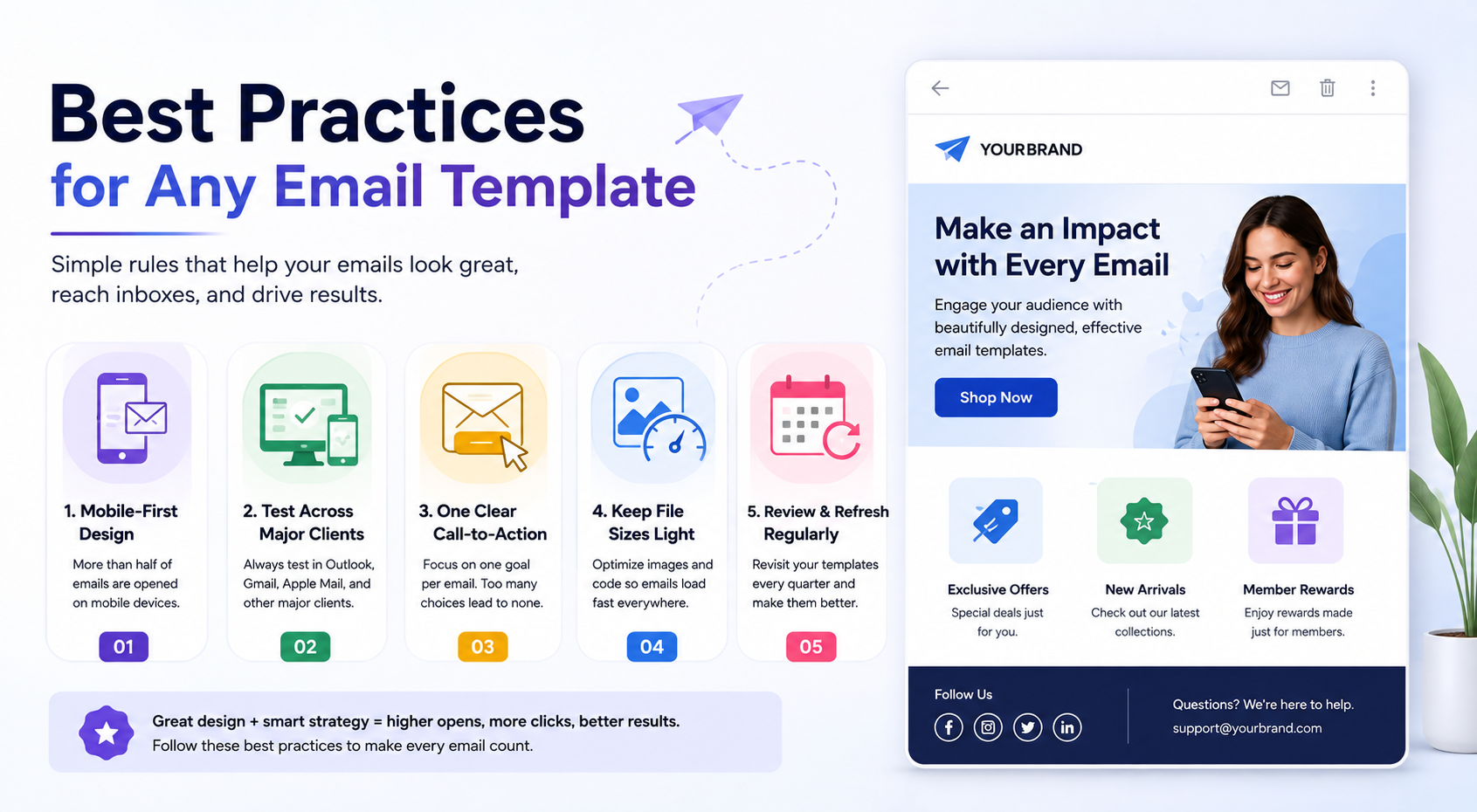
Whether pre-built or custom, a handful of rules don’t change:
- Build the email layout mobile-first. With Apple Mail and Gmail accounting for nearly 90% of tracked email client opens in Litmus’ May 2026 analysis of more than one billion email opens, optimizing email templates for mobile experiences remains essential.
- Include responsive design and optimized layouts. This helps improve engagement across multiple devices.
- Test across the major clients before it reaches your full client list.
- One clear call-to-action per email. When you give choices, the chances are higher that they choose nothing.
- Keep the file sizes light. No one wants to read a slow-loading email on a bad connection.
- Revisit your best email templates every quarter or so and then make a few adjustments to those templates.
If you’re considering the best practices, selecting a pre-existing email layout is a decent place to start. This means you are not building from a blank page; you’re adapting something already solid.
Conclusion
There isn’t a clean winner in the pre-built vs. custom email templates comparison. For most growing businesses, the realistic path is choosing between the right options. Start with the best pre-made email marketing templates, and then you can make a slow shift toward custom once you know what your audience responds to. Consider the goal for your business that never really changes; you have to create an email that gets opened, read, and gets clicked.
Author’s Bio: I’m Harsh Founder of SaaSit.in dedicated to helping SaaS and tech companies drive organic growth through strategic link building and data-driven outreach.
Email ID: [email protected]