
Creating a logo is no longer a headache; no hiring, no budget concerns, and no months of waiting for design approvals.
Modern online logo makers have made the process far easier, cutting creation time down to seconds while offering thousands of customizable options to fit your branding needs.
This is especially valuable for startups working with limited budgets and resources.
The only “problem” left is choosing the right logo maker to bring your design ideas to life.
To help you with that, we tested some of the best logo maker apps for startups and gathered the results below.
Design.com
Design.com is a comprehensive logo maker and design tool that generates instant and high-quality logos, business cards, social media posts, covers, and websites.
Everyone from professional designers to business owners with no prior design experience can create and customize instant logo options that match any business industry. This is thanks to the tool’s extensive library of over 500,000 logo templates, designed by professionals.
Testing Design.com
To test the tool and show its features and necessary logo-making steps, we have created an example logo and summarized the results in a step-by-step guide.
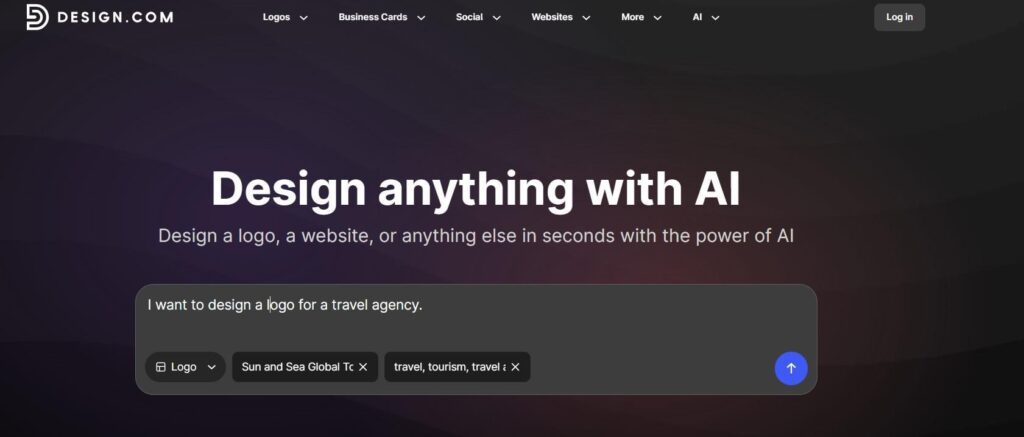
Step 1: Right as you enter Design.com’s website, you can see a description box that helps you begin the creation of your logo by describing the details. Simply type what kind of logo you picture along with your business name and industry-specific keywords. Our example business was a travel agency.
In the “Logos” section of the website, there is also an initial list of popular industries, so if you have found yours, you can directly begin the industry-specific logo creation by clicking on it.
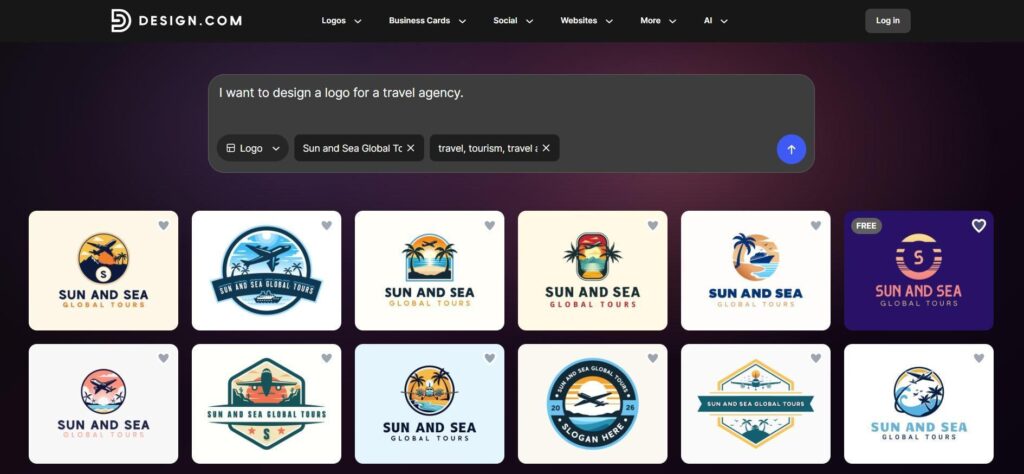
Step 2: After we entered the necessary information about our business, we received around 15,000 tailored and unique logo templates to choose from.
Step 3: As we selected our favorite one, we were redirected to the customization dashboard to make further refinements on fonts (over 750+ fonts available), background colors, layouts, and animation. A built-in AI chat is also available if you can’t find what you want or need more specific edits.
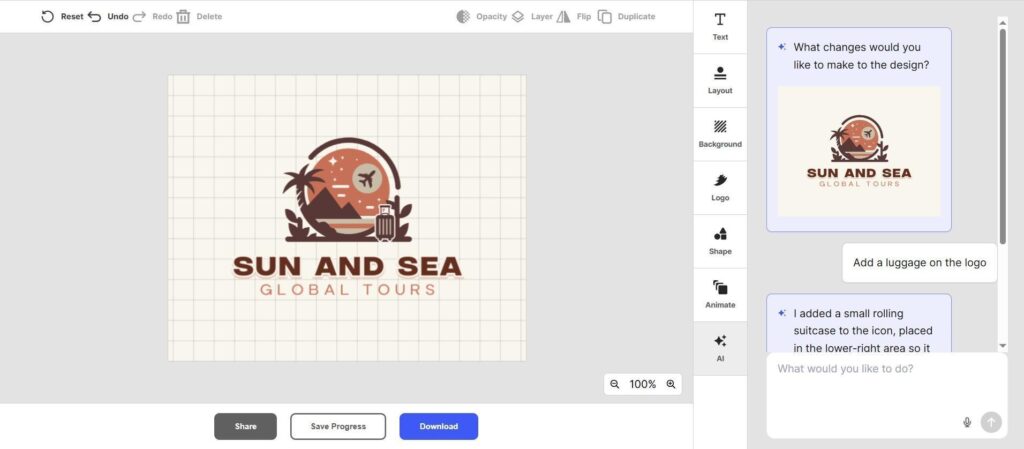
Step 4: As a final step, we could either save the logo to our account library to access it later, preview it on various branding designs, or download it in various file formats, including SVG, EPS, PDF, JPG, as well as animated GIF and MP4 files.
Our Verdict
|
Platform |
Easy to use and navigate, the logo-creation step sequence is logical and smooth |
|
Logo quality |
High-quality logos with unique, industry-matched templates. |
Pricing plans
-
Free tier (free logos, business cards, websites, 50+ design tools, free link-in-bio creator)
-
Starter (Logo Pack): $5 per month, billed annually
-
Value (Logo Pack + Website): $6 per month, billed annually
-
Premium (Logo Pack + Website + More): $7 per month, billed annually
BrandCrowd
The next tool to be considered by startups is BrandCrowd, as it is also an all-in-one logo making and branding tool.
Thanks to its extensive library of over 380,000 logo templates, over 525 exclusive fonts, and over 62,000 custom vector shapes, BrandCrowd helps generate fast and high-quality logos and other branding assets without the need for any additional software setup, design knowledge, or additional hiring.
To see how the logo creation is happening on BrandCrowd, we have tested its logo maker with the same business example of a travel agency.
Testing BrandCrowd
Step 1: To begin, we navigated to the “Top Industries” subsection under the “Logo Maker” section on BrandCrowd’s homepage and searched for the Travel industry.
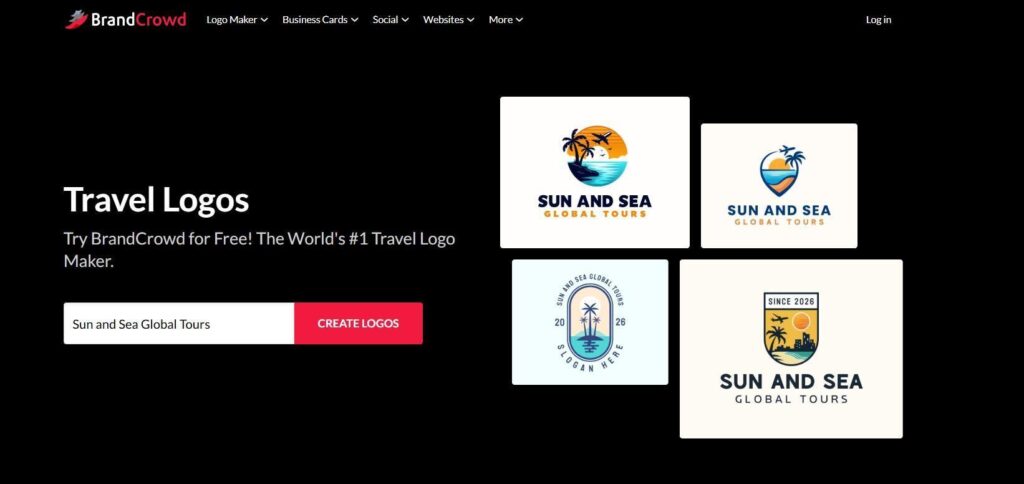
Step 2: We then entered our business name and clicked “Create logos” to get our logo templates. The platform instantly created around 18,000 logo templates ready for customization. In the left corner, we could filter the templates according to colors and logo styles. And to make the templates more tailored, we could also add our keywords in the upper right corner.
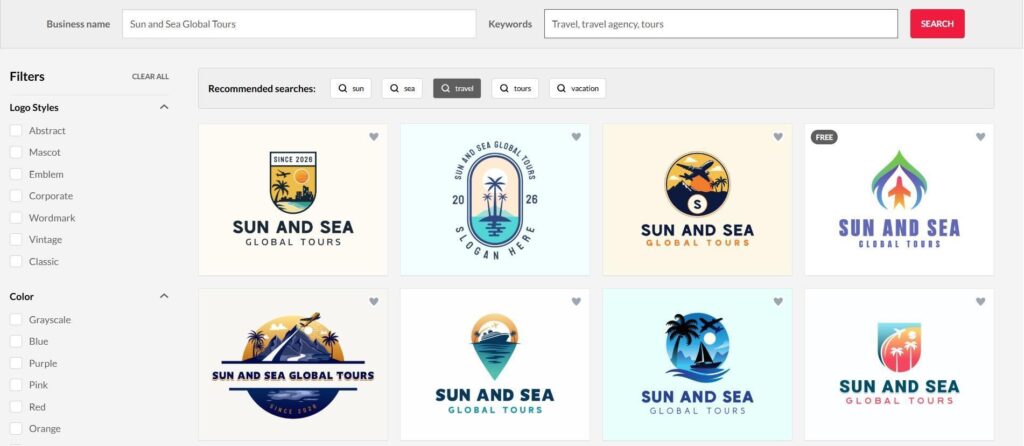
Step 3: After selecting our favorite option, we moved to the editing dashboard to customize our logo template. Here, you can adjust colors, layouts, animation styles, text, and anything else needed to achieve your desired result. Just like Design.com, BrandCrowd also offers a built-in AI chat feature, allowing you to generate more specific design requests in seconds.
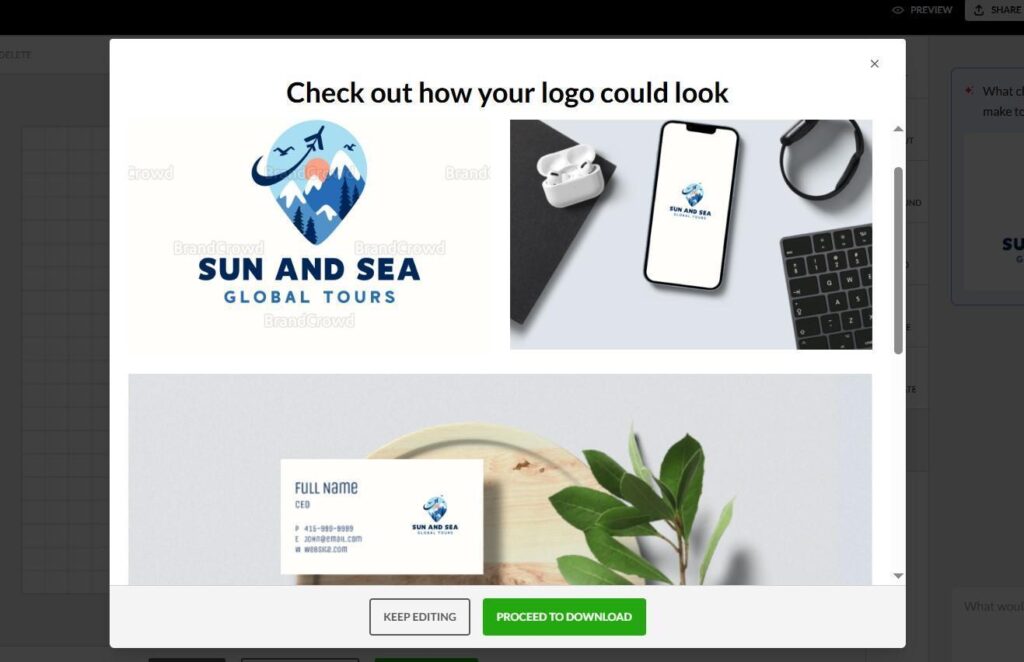
Step 4: After all the edits are done, you can save your logo to your account, preview it on various branding designs, or download it in various file formats, such as SVG, EPS, PDF, JPG, as well as animated GIF and MP4 files.
Here is what the Preview feature looks like:
Our Verdict
|
Platform |
Easy to use, the steps to create a logo are fast, logical and smooth |
|
Logo quality |
High-quality logos with unique colors and styles. They also matched our industry perfectly. |
Pricing plans
-
Free tier (free logos, business cards, websites, 50+ design tools, free link-in-bio creator)
-
Starter (Logo+ 50 Design tools): $5 per month, billed annually
-
Value (Logo + 50 Design tools + Website): $6 per month, billed annually
-
Premium (Logo + 50 Design tools + Website + More): $7 per month billed annually
Logomakerr.ai
Logomakerr.ai is another popular AI logo maker helping individual creators and businesses create customizable logo designs.
Testing Logomakerr.ai
As you enter the tool’s website, you’ll see a selection of featured logo designs that you can customize right away. This is a great option if you’re short on time and want to skip the initial steps of logo creation, jumping straight into editing an existing design.
But if you’d prefer tailored results, you can generate your own custom logo from scratch by completing a few steps and providing the necessary business information.
Step 1: Hit the “Let’s make a logo” button on the homepage and enter your business name. If you have one, enter your slogan, too.
Step 2: Next, choose your industry, color palette, and desired fonts.
Step 3: As you get generated logo designs, choose the one that you like and start customizing the symbols, layouts, fonts, and colors.
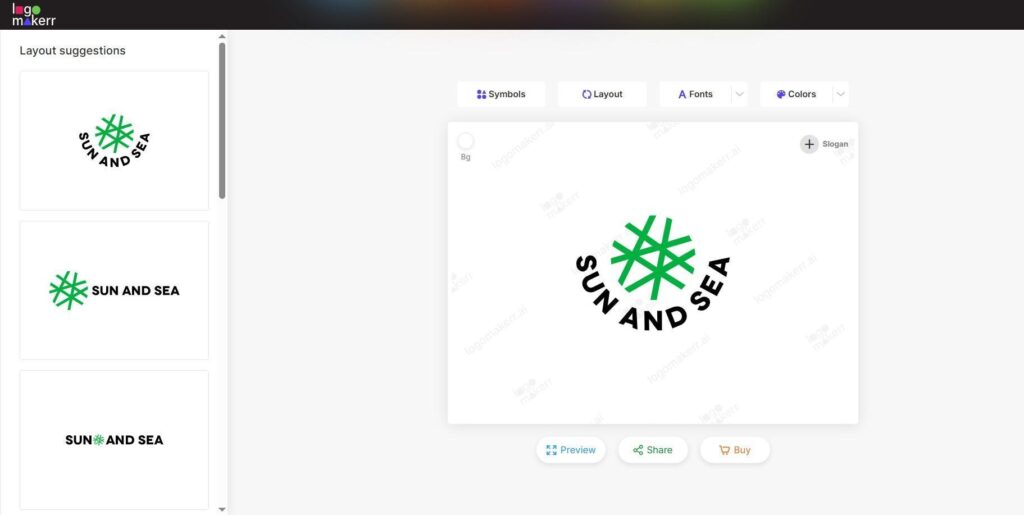
Step 4: Once you’re done editing, you can preview your logo and proceed to download it. It’s worth noting that, unlike Design.com or BrandCrowd, where you can see how your logo looks on other branding assets like business cards, Logomakerr.ai only lets you preview your logo design in full-size mode.
Our Verdict
|
Platform |
The platform is fast, with pages loading in seconds. The logo creation steps are easy to follow, with no complicated requests or unnecessary details. |
|
Logo quality |
There’s a large selection of logo templates, with the option to generate more if you don’t find one you like. However, the templates are somewhat generic and don’t fully align with specific industry styles. |
Pricing plans
To download the final design, the pricing starts at $29 (one-time payment, 800×600 px).
Turbologo
Turbologo is a free AI logo and brand kit maker. With Turbologo, you can create a logo and form your branding kit around it, including business cards, a website, social posts, and more.
Testing Turbologo
Turbologo also offers a list of initial industries to choose from when starting your logo design. However, the selection was more limited compared to the previous two tools, and we were unable to find our example Travel industry. So, to create a logo, we began by entering our business name instead.
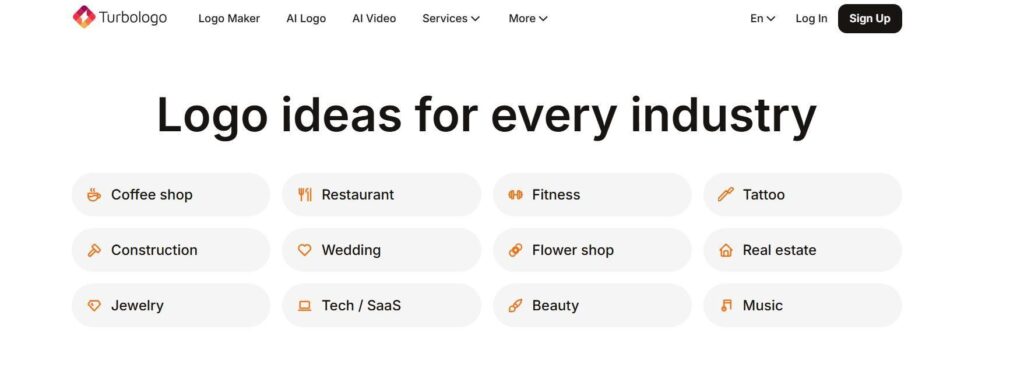
Step 1: The box where you type your business name is directly displayed on Turbologo’s website homepage, making it easier and faster to begin the process. After entering the name, hit “Create my logo” to proceed.
Step 2: Next, we needed to enter our industry, optional slogan (with AI-generated options offered), and choose some preferred logo styles and colors. We could also choose up to 8 symbols for our logo.
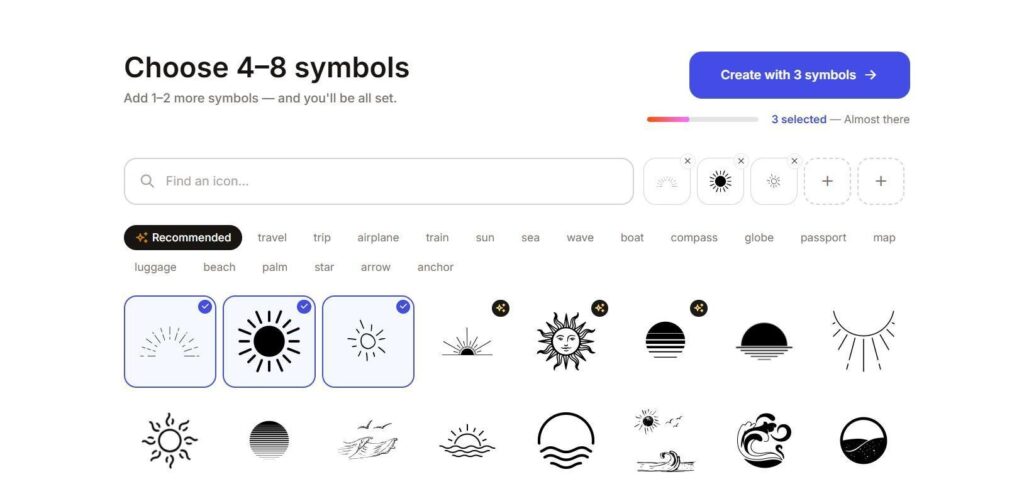
Step 3: We were then offered hundreds of logo templates, and as we scrolled down the page, the platform continued to generate more options. We chose one and proceeded to the customization dashboard to work on colors, icons, shapes, and texts.
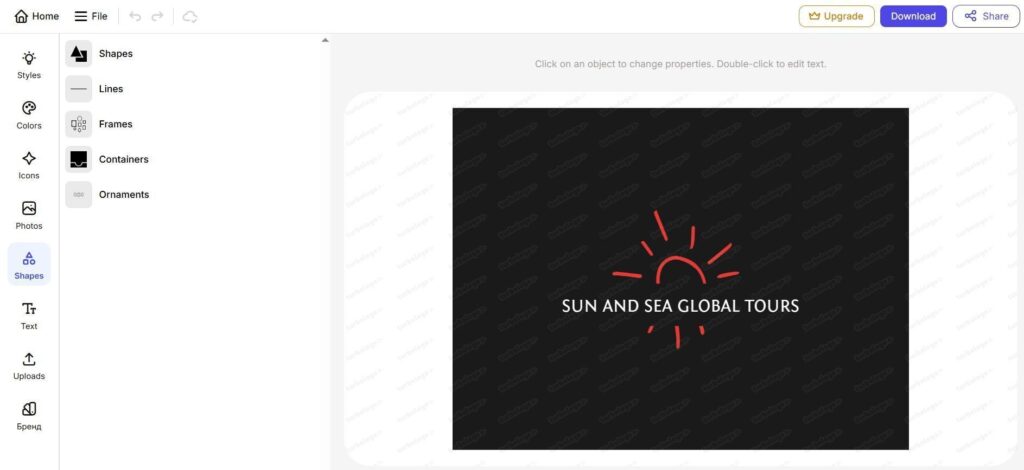
Our Verdict
|
Platform |
Smooth interface with no errors or disruptions while making a logo |
|
Logo quality |
A large selection of unique logo styles, icons, and colors is available. However, even after entering our industry, the templates and their designs didn’t fully align with it, requiring additional editing to achieve a better match. |
Pricing plans
To download the final design, the pricing starts at $9.99 (one-time payment for one logo in low quality).
So, Which One to Go For?
Based on our own testing, we recommend starting with Design.com or BrandCrowd, as both offer the largest selection of logo templates and designs. The logos generated by these two tools came closest to what we pictured for a travel industry logo.
They also offered more flexible options for describing our desired logo. Instead of simply entering the business name, we could use a description box and make more specific editing requests through a built-in AI assistant.
However, choosing the right logo maker depends on your specific needs, so it’s worth testing a few to see which one delivers the best results for your startup.
All you need to get started is a bit of time and imagination, and you will get your perfect logo in no time.